
Pro Features
Shopify collection rules for variant tables
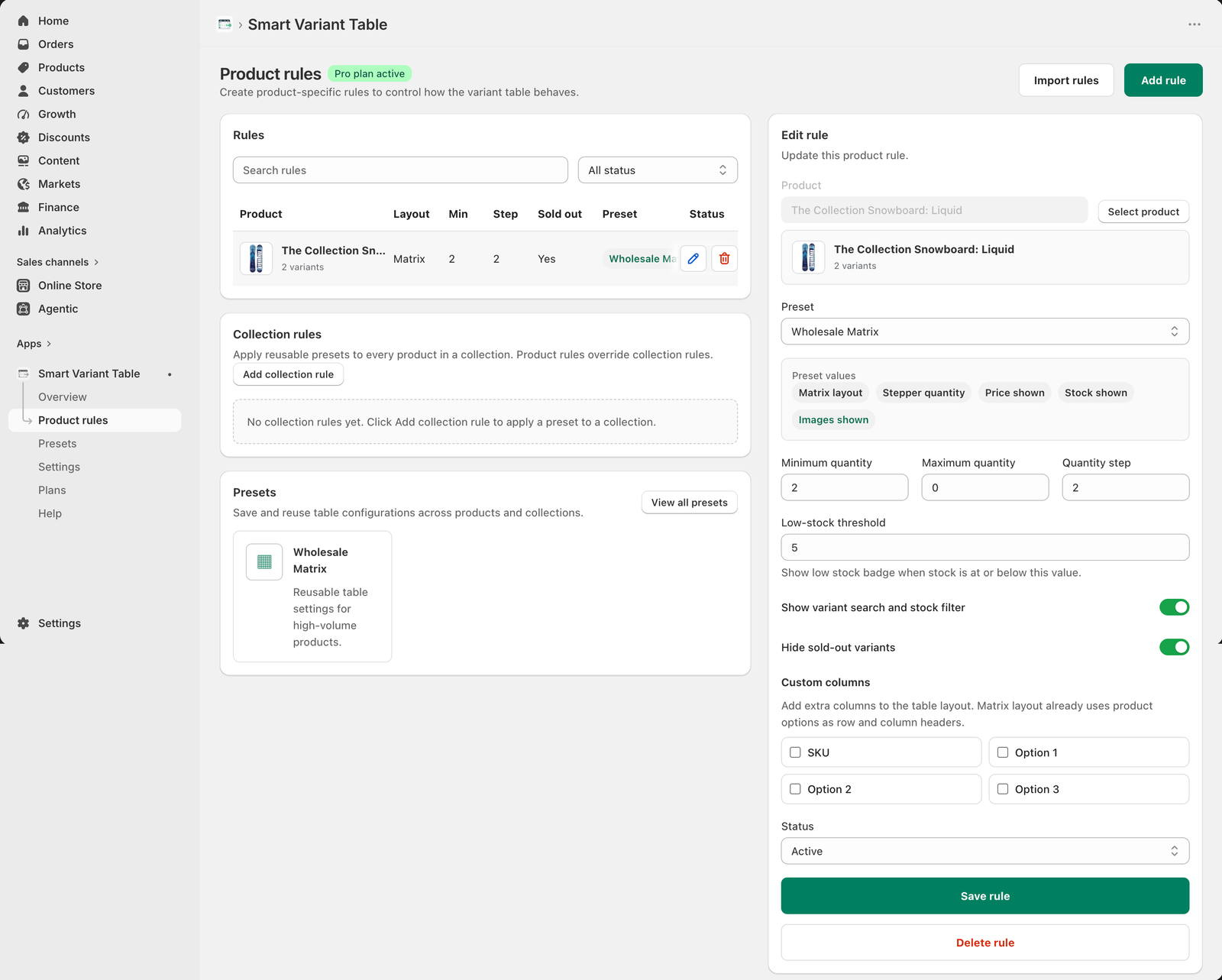
Collection rules let Shopify merchants apply reusable Smart Variant Table presets to a full product group. This is useful when many products should share the same preset, quantity behavior, stock display, image visibility, and column behavior.
Why collection rules matter
Many Shopify stores organize products by buying pattern. A wholesale collection, parts collection, or size-heavy apparel collection may need the same variant table behavior across every product.
How collection rules work
A collection rule connects a Shopify collection to a reusable preset. Once active, products in that collection can inherit the preset behavior without rebuilding settings product by product.
Product rules can override collection rules
Collection rules are broad. Product rules are precise. If one product inside a collection needs different settings, create a product rule for that product and let it override the collection rule.
Collection rule checklist
- Choose the Shopify collection or product group.
- Apply a reusable preset when possible.
- Confirm the preset includes layout, quantity style, stock style, and colors.
- Use product rules for exceptions.
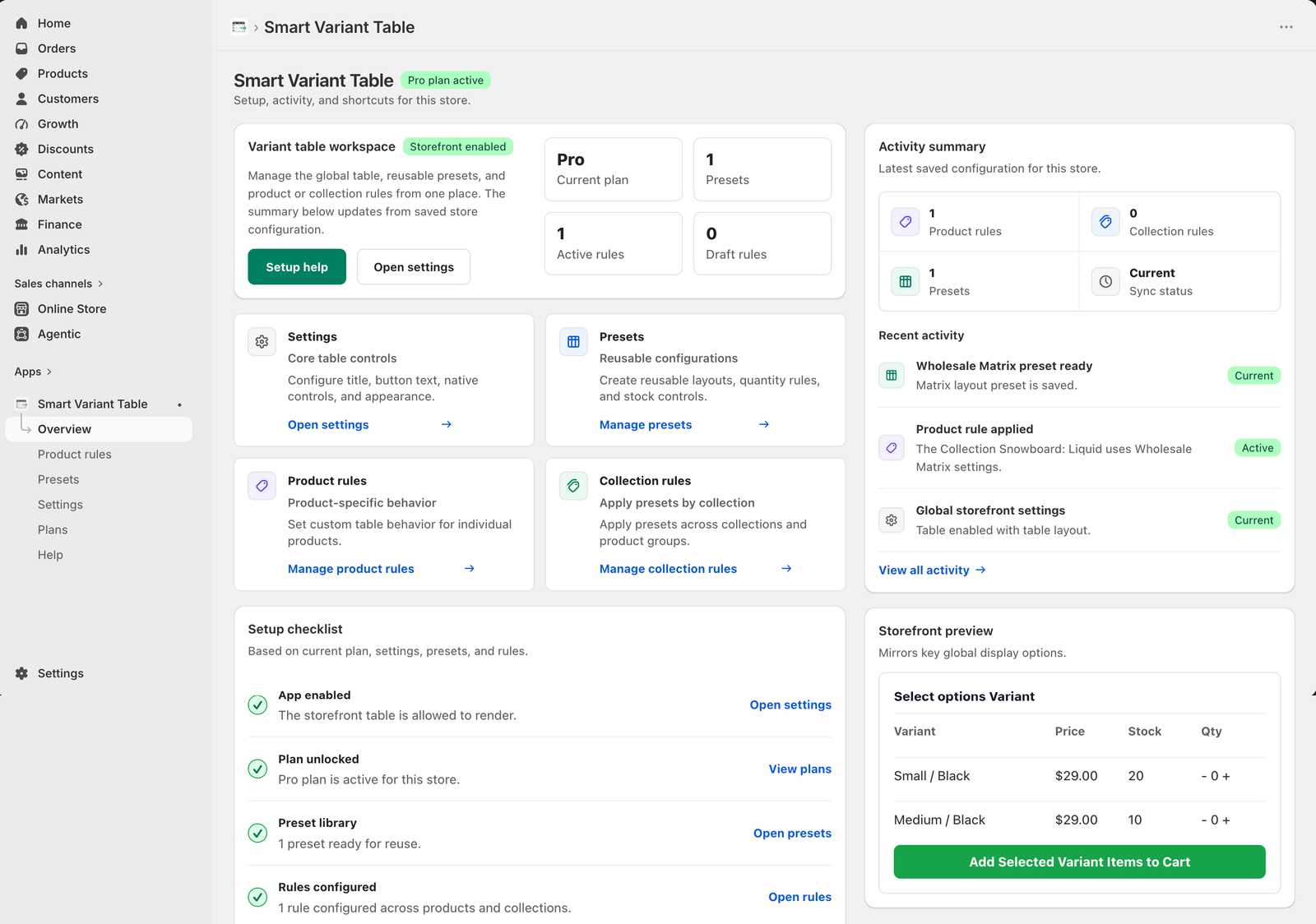
- Check the Overview dashboard activity after saving.
- Keep collection rules broad and product rules specific.
Apply variant table settings across collections
Use Smart Variant Table Pro collection rules to keep product groups consistent while still allowing product-level overrides.