
Wholesale
Best Shopify variant table setup for wholesale and bulk orders
Wholesale buyers often know exactly what they need: multiple sizes, colors, packs, or units from the same product page. A variant table can turn that buying flow into a faster order form instead of a repeated variant picker process.
Why bulk buyers need a different product page flow
A retail shopper may buy one size or color. A wholesale buyer may need five sizes, three colors, or a mix of variants for inventory restocking. If each variant requires a separate selection and add-to-cart action, the order takes longer than it should.
A table layout is closer to a purchase sheet: buyers can scan all available variants, enter quantities, and add selected variants to cart together.
Important table features for wholesale stores
- Quantity controls: let buyers choose quantities per variant directly in the table.
- Stock visibility: reduce frustration by showing what is available before the buyer adds items.
- Price visibility: help buyers compare per-variant pricing quickly.
- Variant images: make color, style, or model differences easier to recognize.
- Product rules: apply table behavior to the right products or collections.
Recommended setup
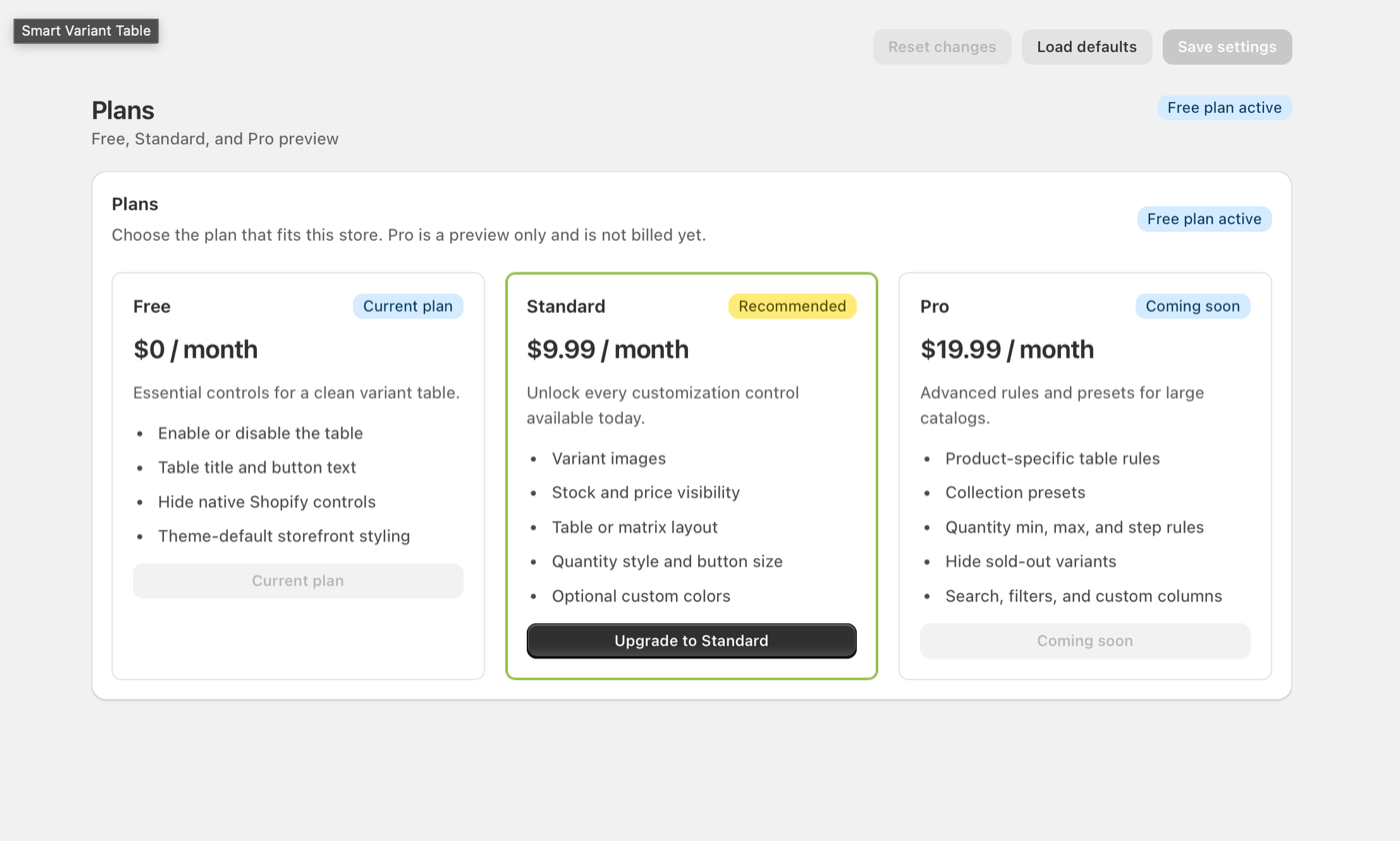
For a basic catalog, start with the free controls: enable the table, set a clear title, update button text, and hide native controls. For stores with frequent repeat buyers or larger catalogs, Standard and Pro-style controls become more important because buyers need cleaner display rules and more precise configuration.
Good for fashion
Show each size and color combination in a table so buyers can order a full size run from one screen.
Good for electronics
Let buyers compare model, capacity, price, and stock without changing dropdown options repeatedly.
Bulk order page checklist
- Use a short table title such as “Select options” or “Choose variants”.
- Keep quantity controls visible and easy to tap on mobile.
- Show stock when inventory matters for ordering decisions.
- Use product rules for specific wholesale or multi-variant products.
- Test the add selected items to cart button with several variants selected.
Make bulk variant orders easier
Smart Variant Table helps Shopify stores turn complex variant products into a faster, clearer buying experience.